 FAQ
FAQ
FAQ
FAQ
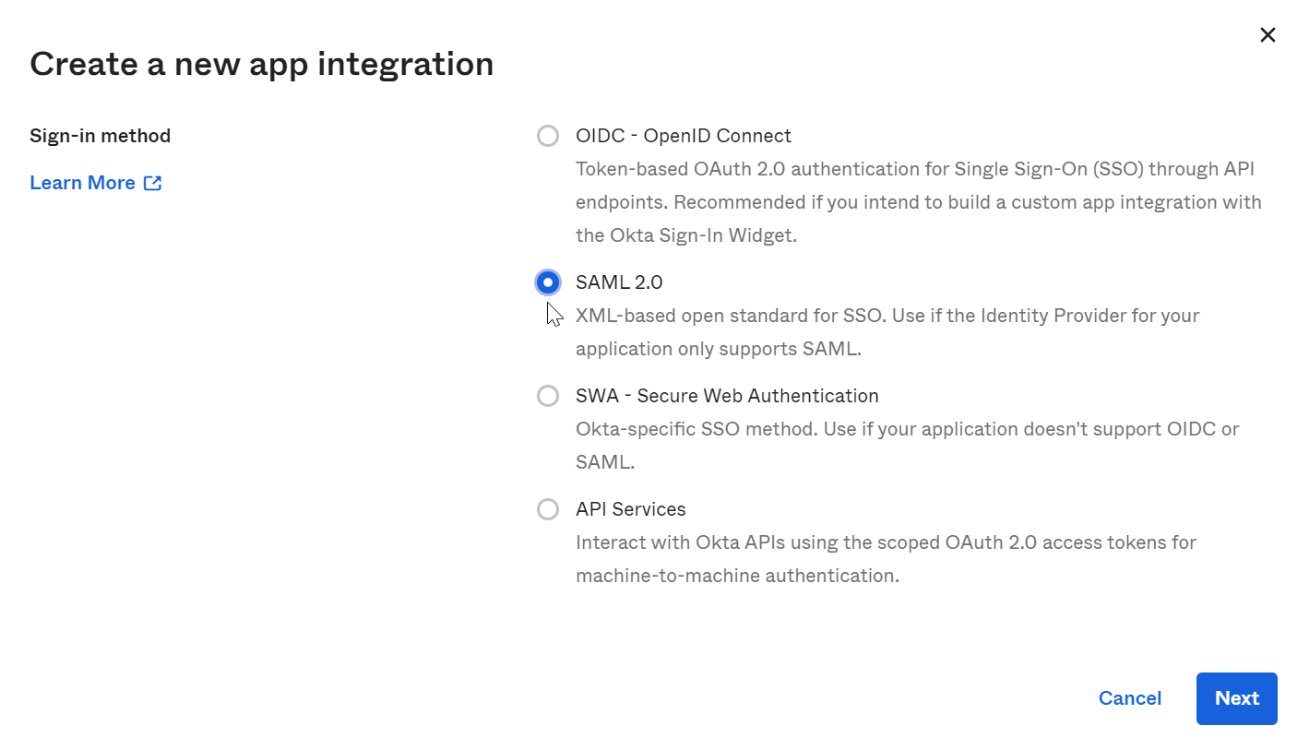
Step 1. Enter Okta, click Create App Integration.

Step 2. Select SAML 2.O
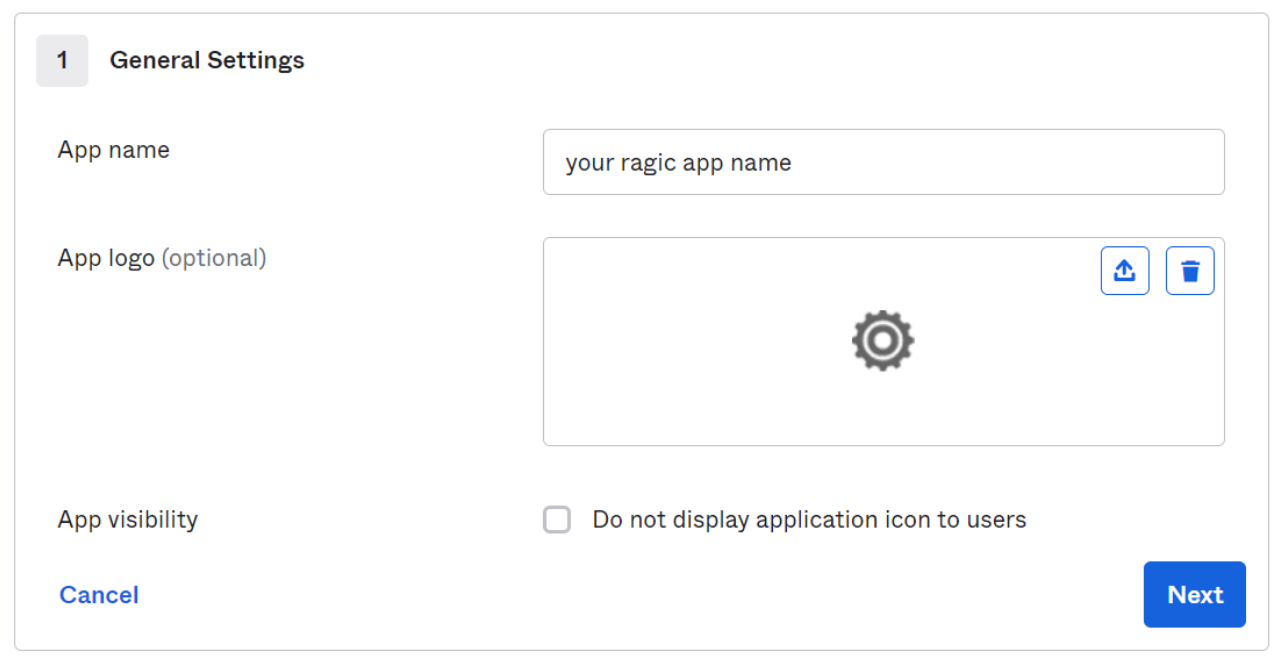
Step 3. General settings can be customized by user.
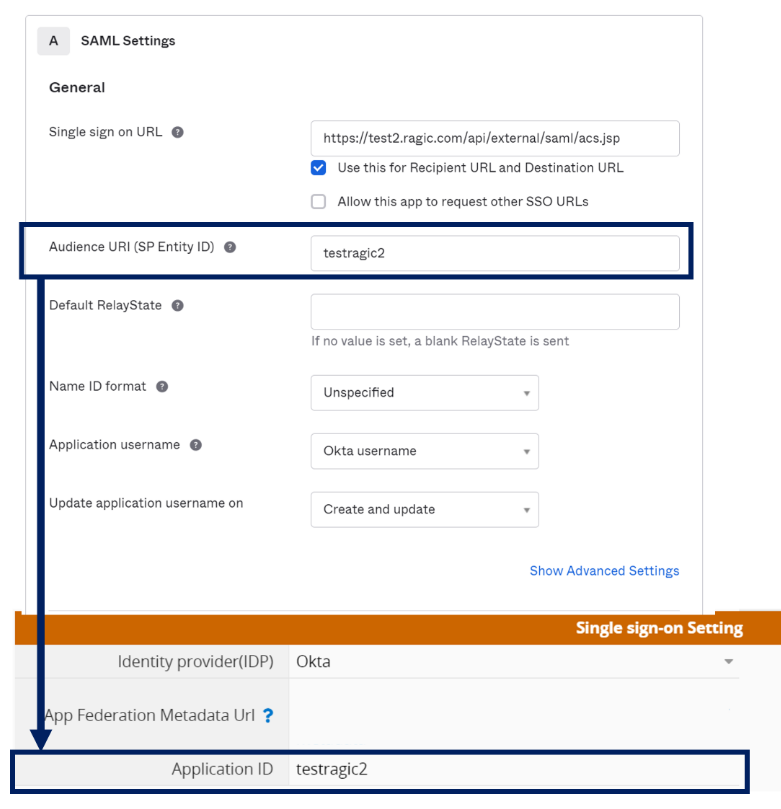
Step 4. Set application parameters
1. “Single sign on URL”, please fill in the URL of the server where your Ragic is located and add “/api/external/saml/acs.jsp” to the end (For example your Ragic url is https://test2.ragic.com, please fill in “https://test2.ragic.com/api/external/saml/acs.jsp”).
2. “Audence URI” attribute can be customized by the user, and fill the value in the “Application ID” field in the Ragic company settings.
3. “Application username”, please choose the parameter which fill in the email as a Ragic user in your Okta user settings.
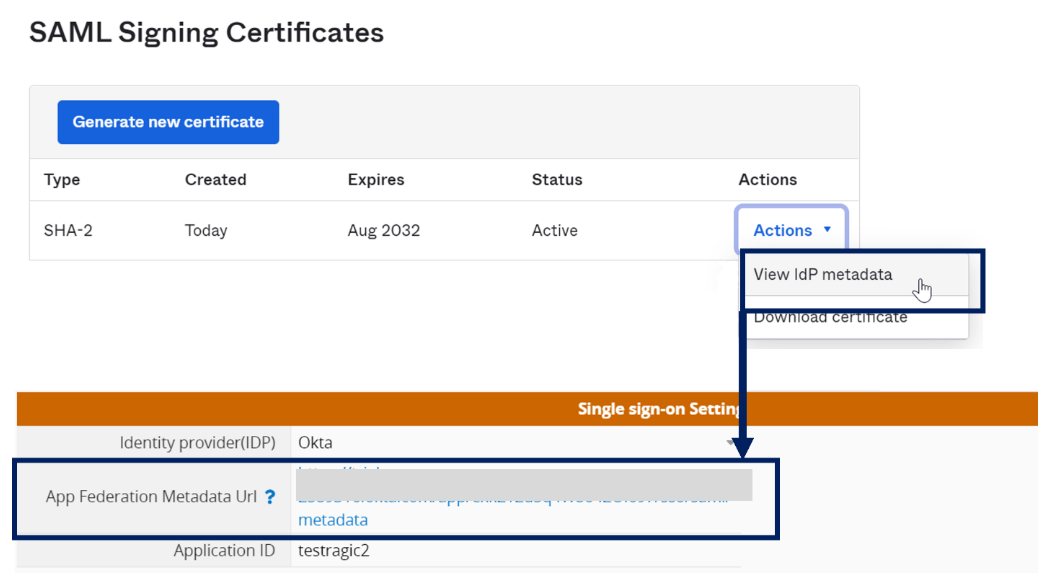
Step 5. Please select the certificate you have enabled in SAML Signing Certificates, and fill in the link of the URL (view IdP metadata) of the metadata in the "Application Alliance Metadata URL" in the Ragic company settings " in the field.
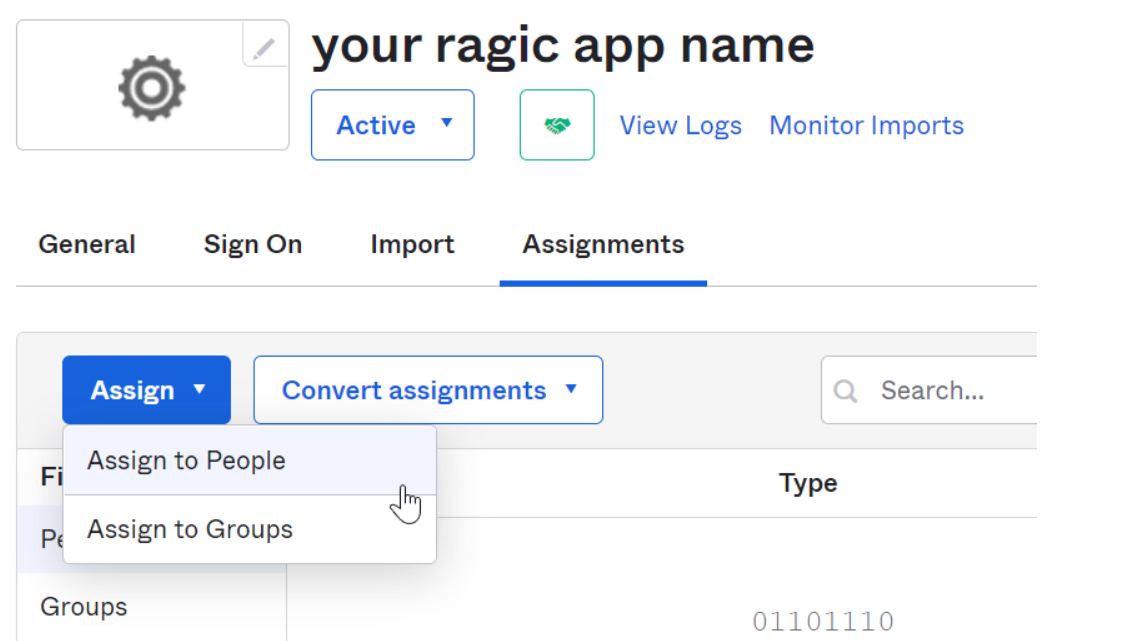
Step 6. Add users to the application
 Merci pour votre précieux retour !
