 Design guide
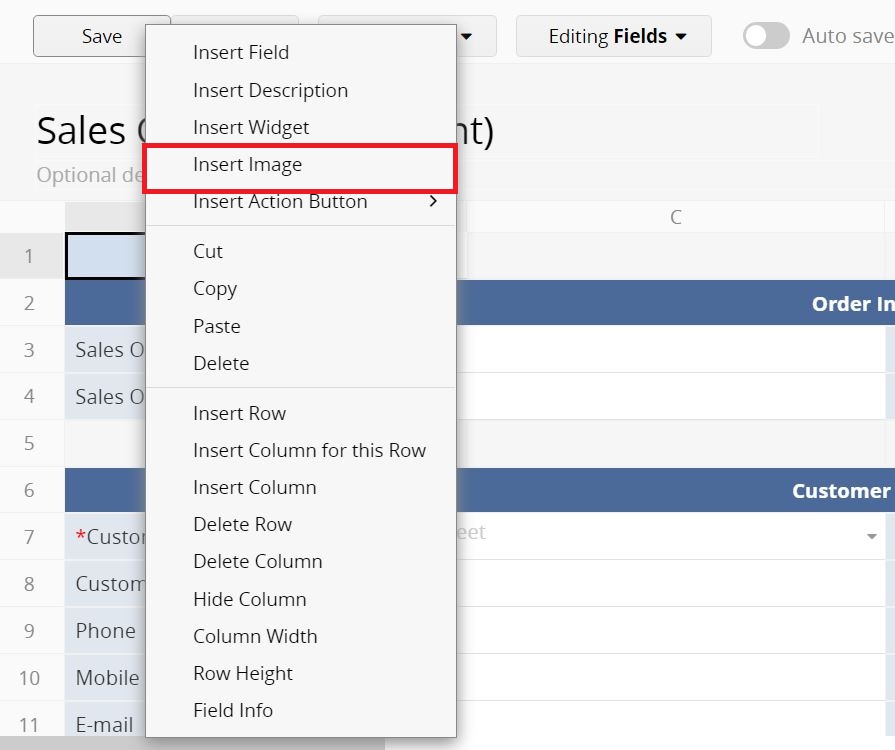
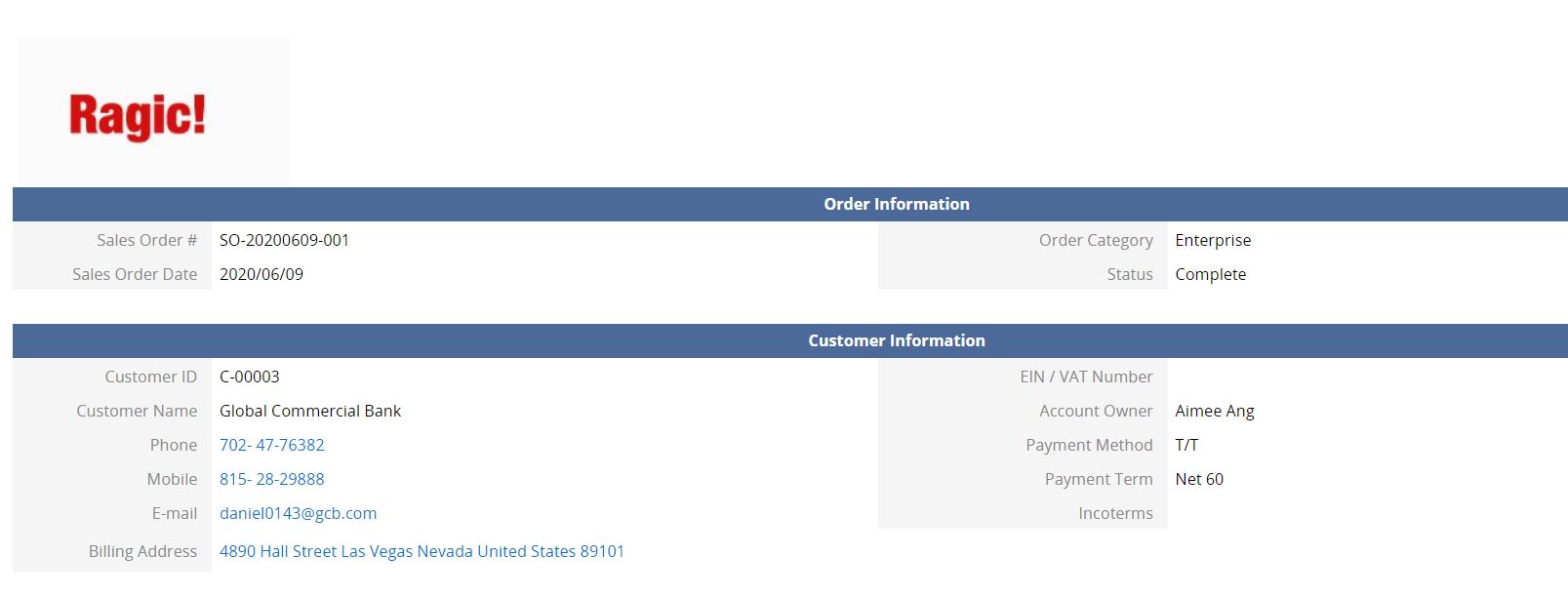
If you would like to add a company logo to your "Quotes" or "Sales Orders" sheets, you can right-click a blank cell in Design Mode and select Insert Image.
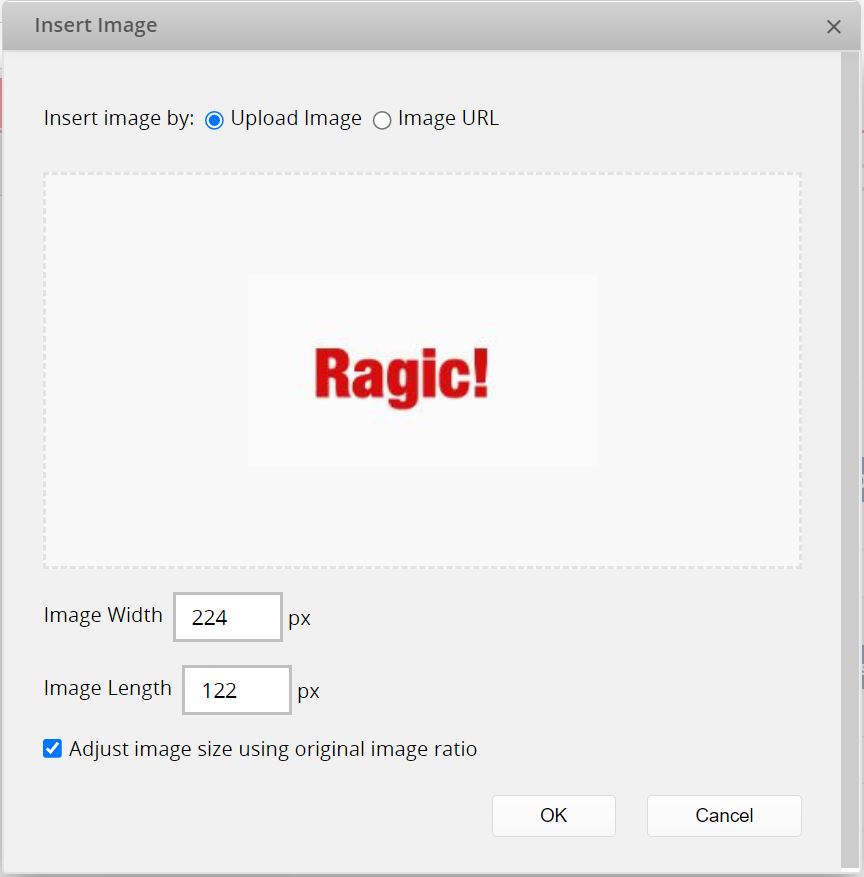
In this window, you can upload an image or fill in the image URL and then set the width and height of the image.
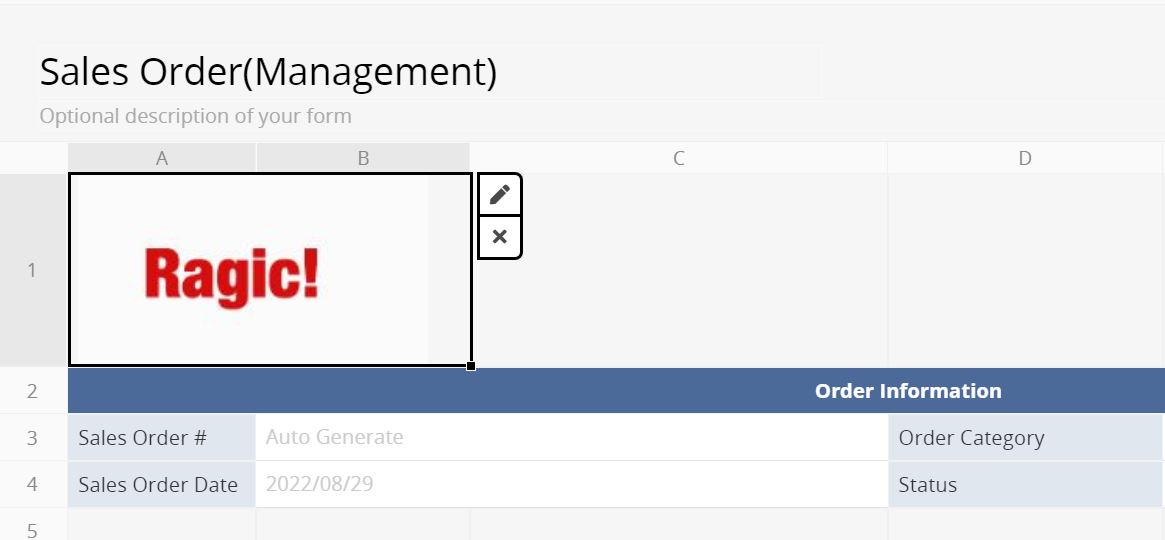
Click on the image to edit or delete it.
After saving the design, the image will be displayed on the sheet.
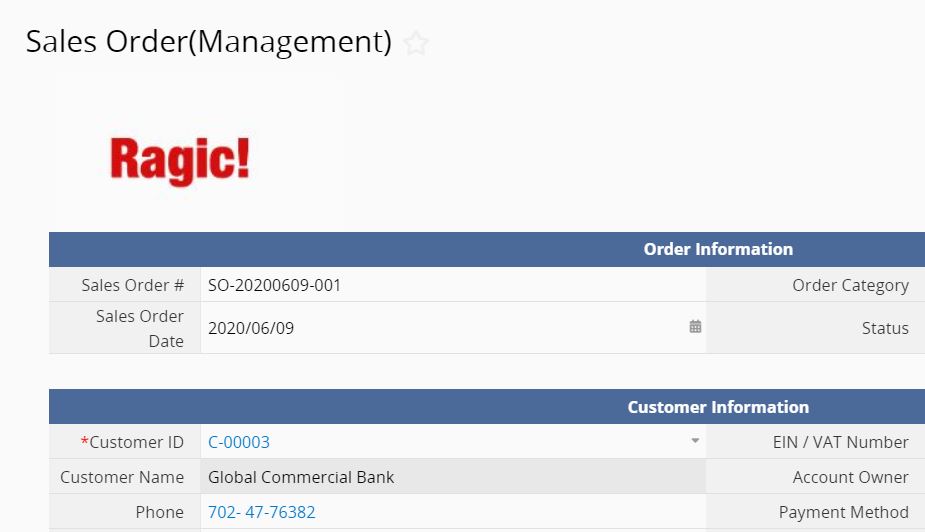
The image will also show on the Printer Friendly page.
 Thank you for your valuable feedback!