 FAQ
FAQ
FAQ
FAQ
If you need to retrieve the ID of a Mail Merge or Custom Print Report, but the download completes too quickly to copy the download URL in time, or you'd like to retrieve it later, you can get it from your browser's download history instead. Here are the steps (using Chrome as an example):
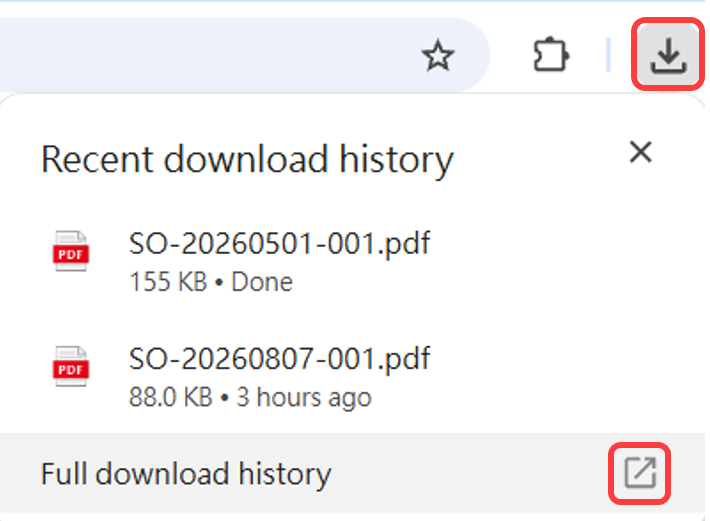
1. After the report has finished downloading, click the download icon in your browser, then click Full download history:
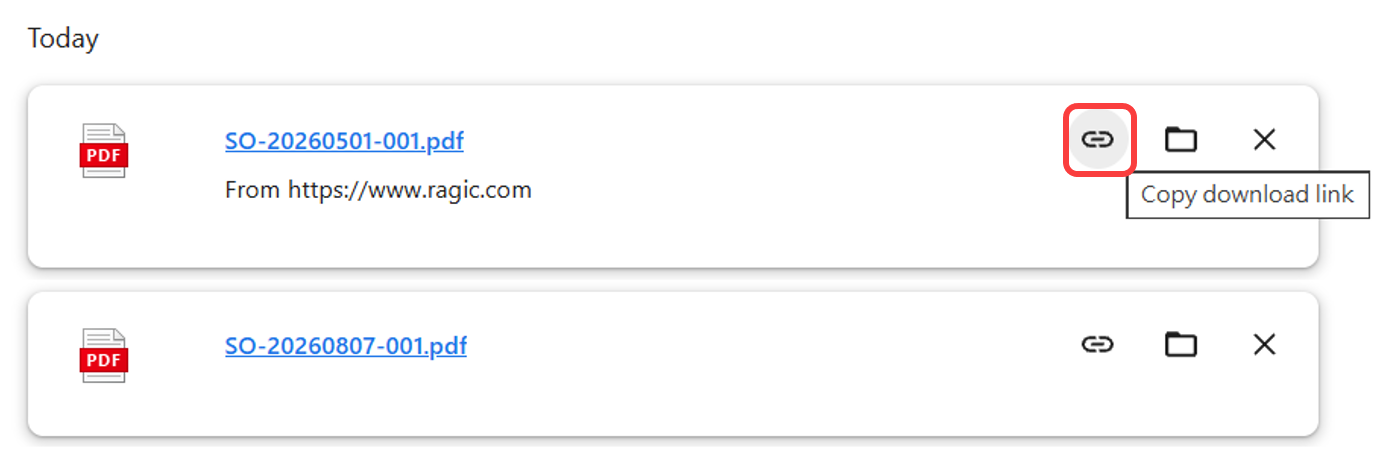
2. Locate the downloaded file.
3. Right-click the filename and select Copy link address; alternatively, click Copy download link directly.
 Thank you for your valuable feedback!
