 Learning center
Learning center
Learning center
Users can directly press an action button created by the Send Custom E-mail option to send emails that have been automatically filled with values. For instance, if you have an "Applicant Resume" sheet, you can directly send an interview invitation letter that is automatically filled with the "Applicant Name" and "Position Applied" through this Action Button.
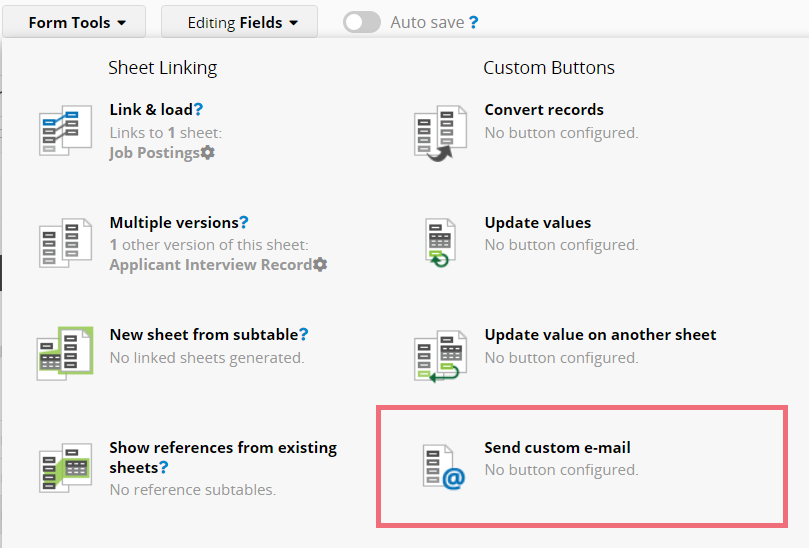
Navigate to the Design Mode on the Form Page, click Form Tools, and you'll find Send Custom E-mail under the Custom Buttons section.
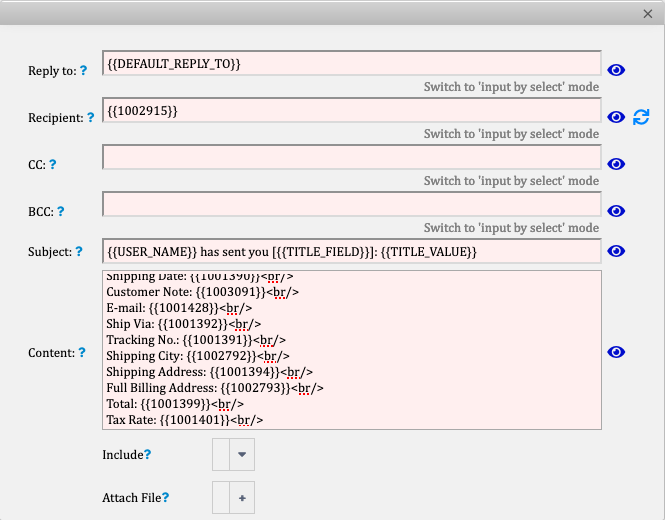
A pop-up window will allow you to compose your email template. You can use HTML formatting and the parameters Ragic supports.
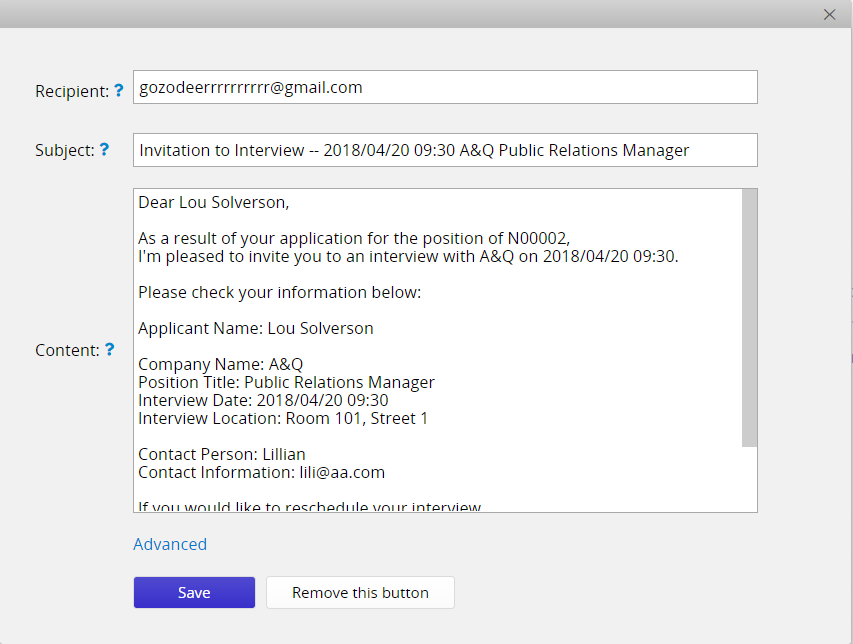
You can click on the preview icon, which will show you a demo of what the custom e-mail looks like.
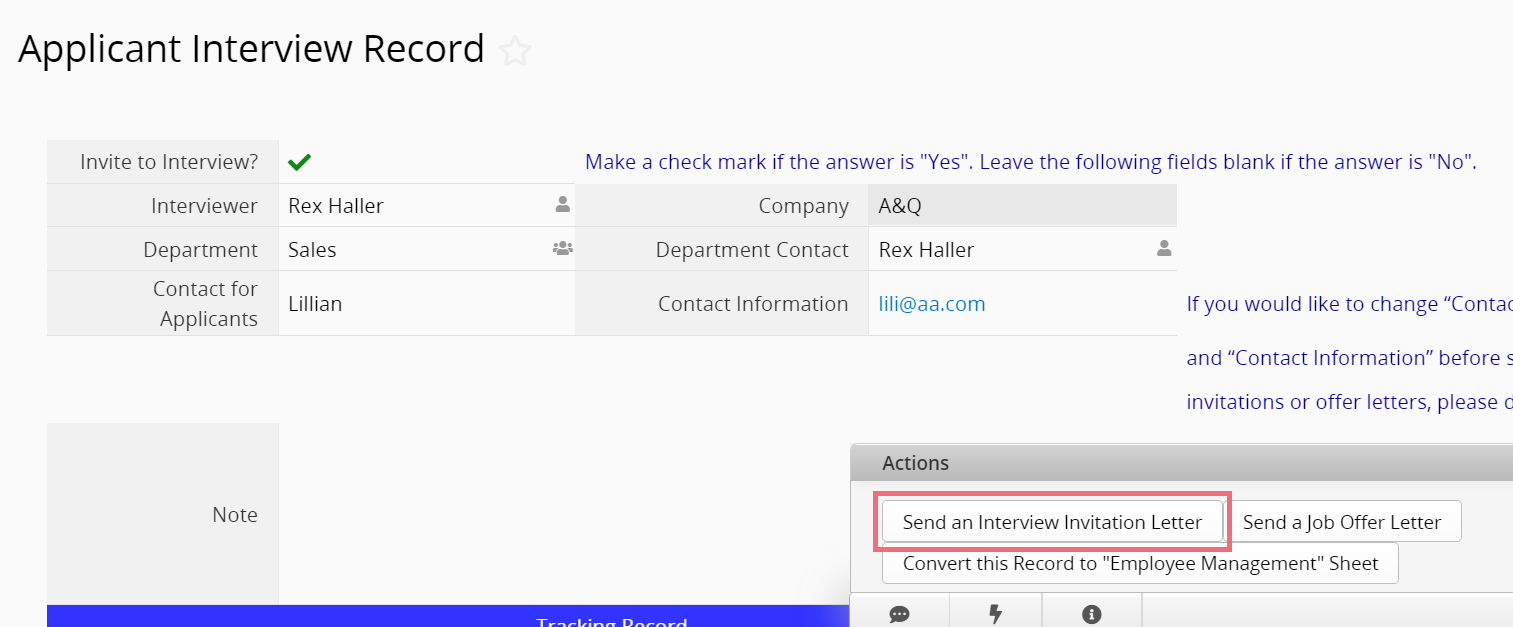
After completing the email template, you can send out an email with just one click.
 Thank you for your valuable feedback!
