 Learning center
Learning center
Learning center
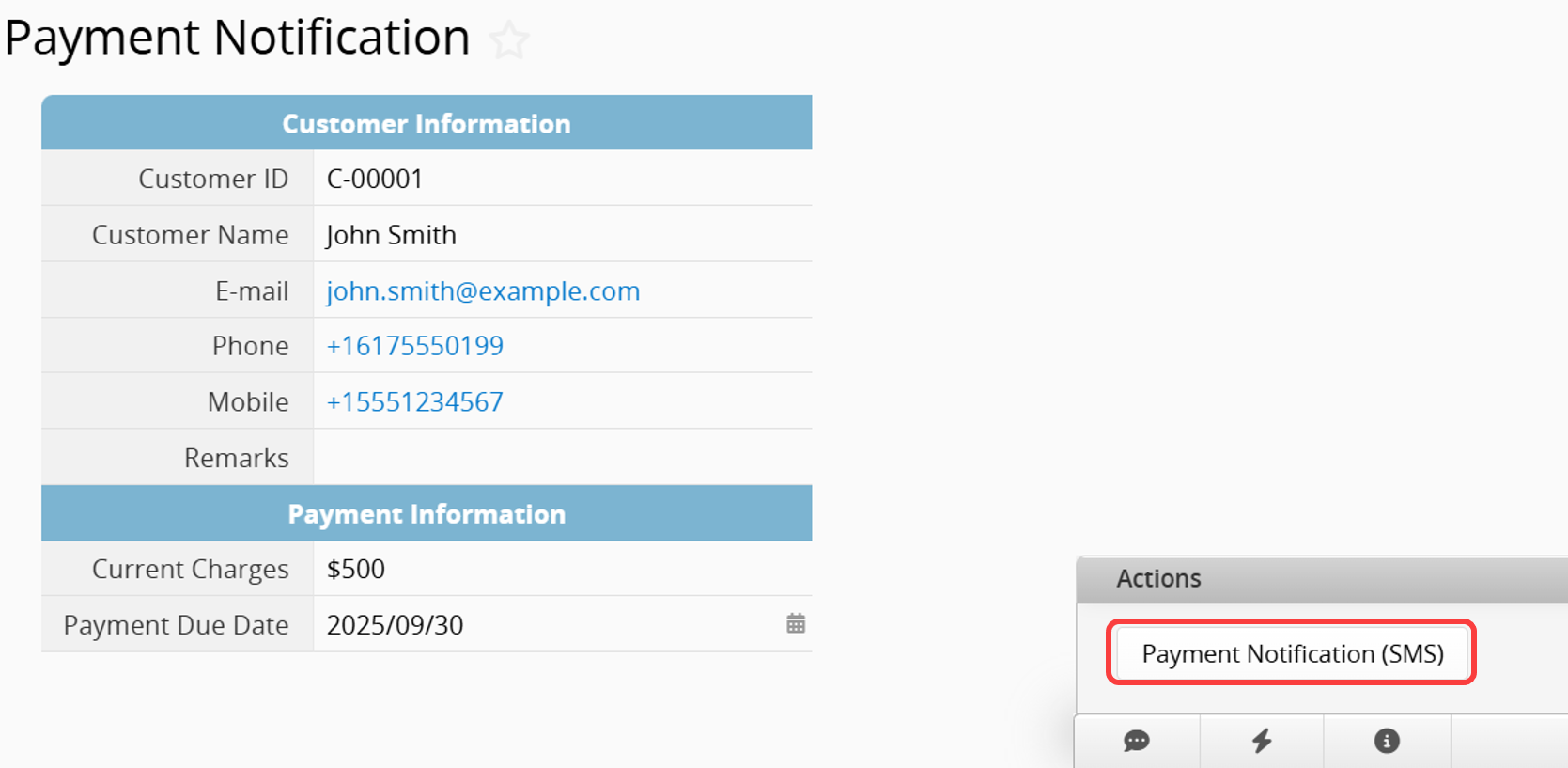
Workplace communication no longer relies solely on email. Instead, notifications are often sent instantly via SMS. For example, you can send customized payment reminders, promotional messages or announcements, or appointment reminders. With the Send Instant Message Action Button, you can turn record data into customized messages with a single click and send them instantly via SMS to designated users, improving communication efficiency.

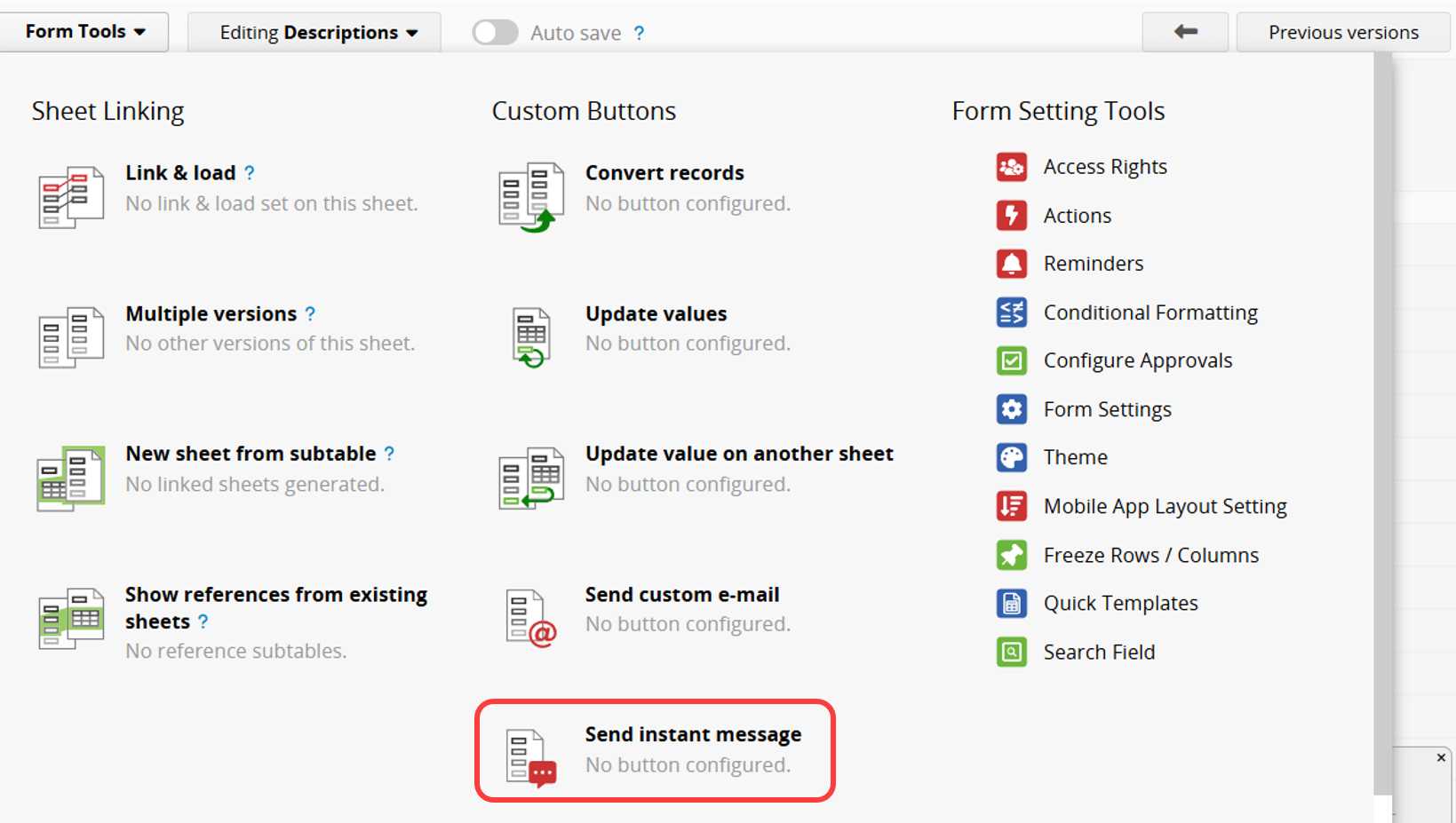
Navigate to the Design Mode on your Form Page and click Form Tools > Send Instant Message under the Custom Buttons section.
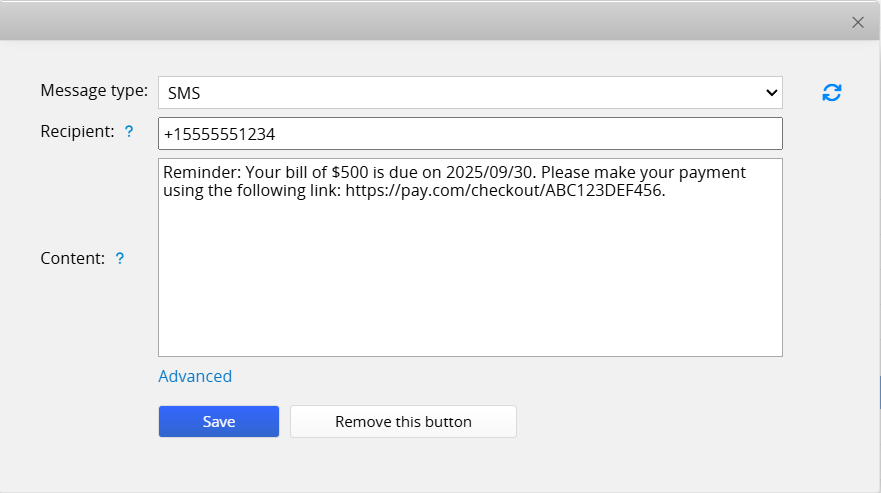
This feature is available only to users on the Professional Plan or higher and is not supported on the On-premises Plan. Recipients can be entered directly as phone numbers or selected from fields in the record. The message content can also be customized using variables.
 Thank you for your valuable feedback!
