
Free sign up
Schedule a demo

Ragic MCP: Connect Your Business Data to Your AI

Ragic MCP connects Claude and ChatGPT to your database.

Thousands of records, and now you can just ask. Connect the dots, summarize, plan your next move — grounded in your real data.
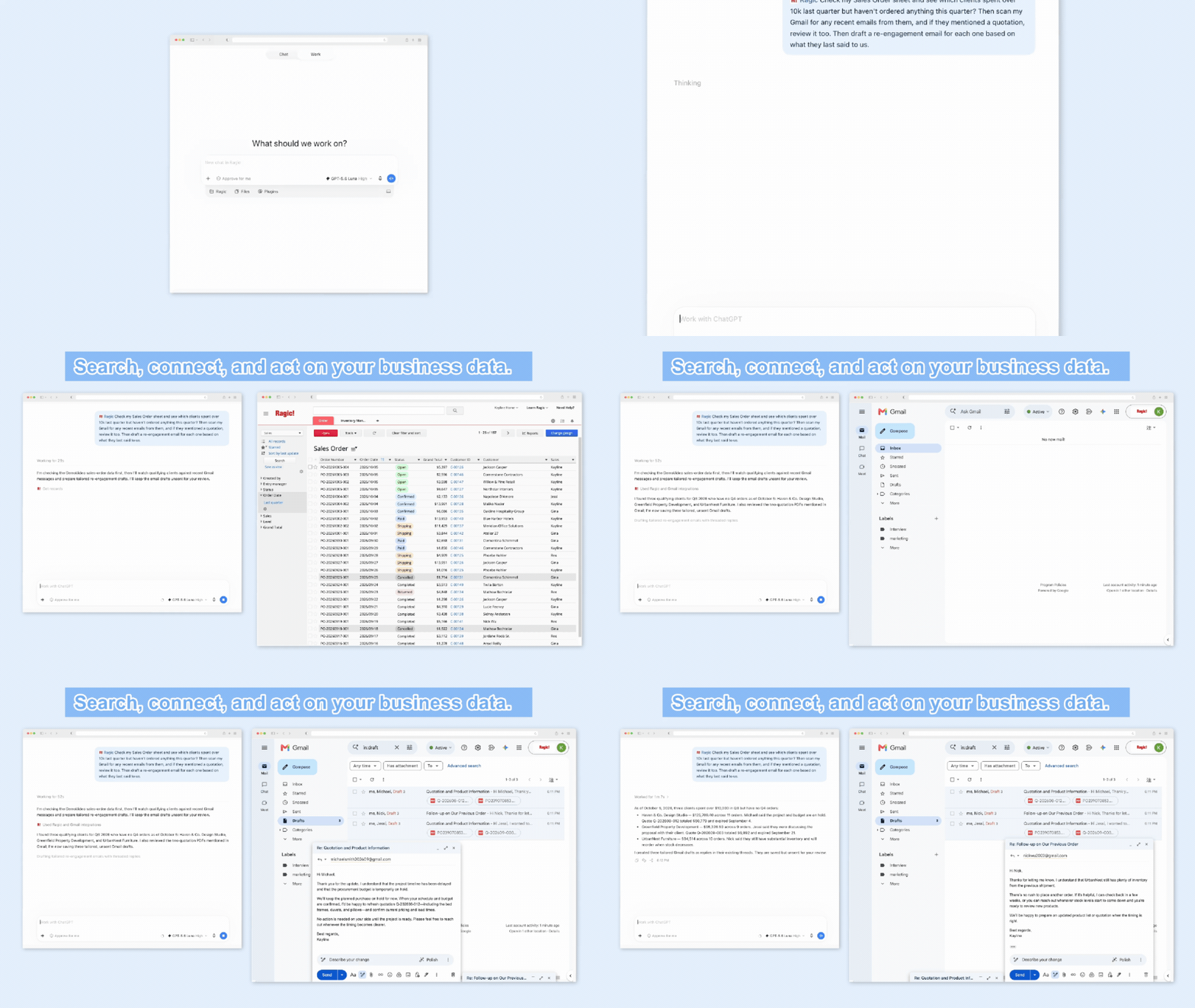
How to set up?

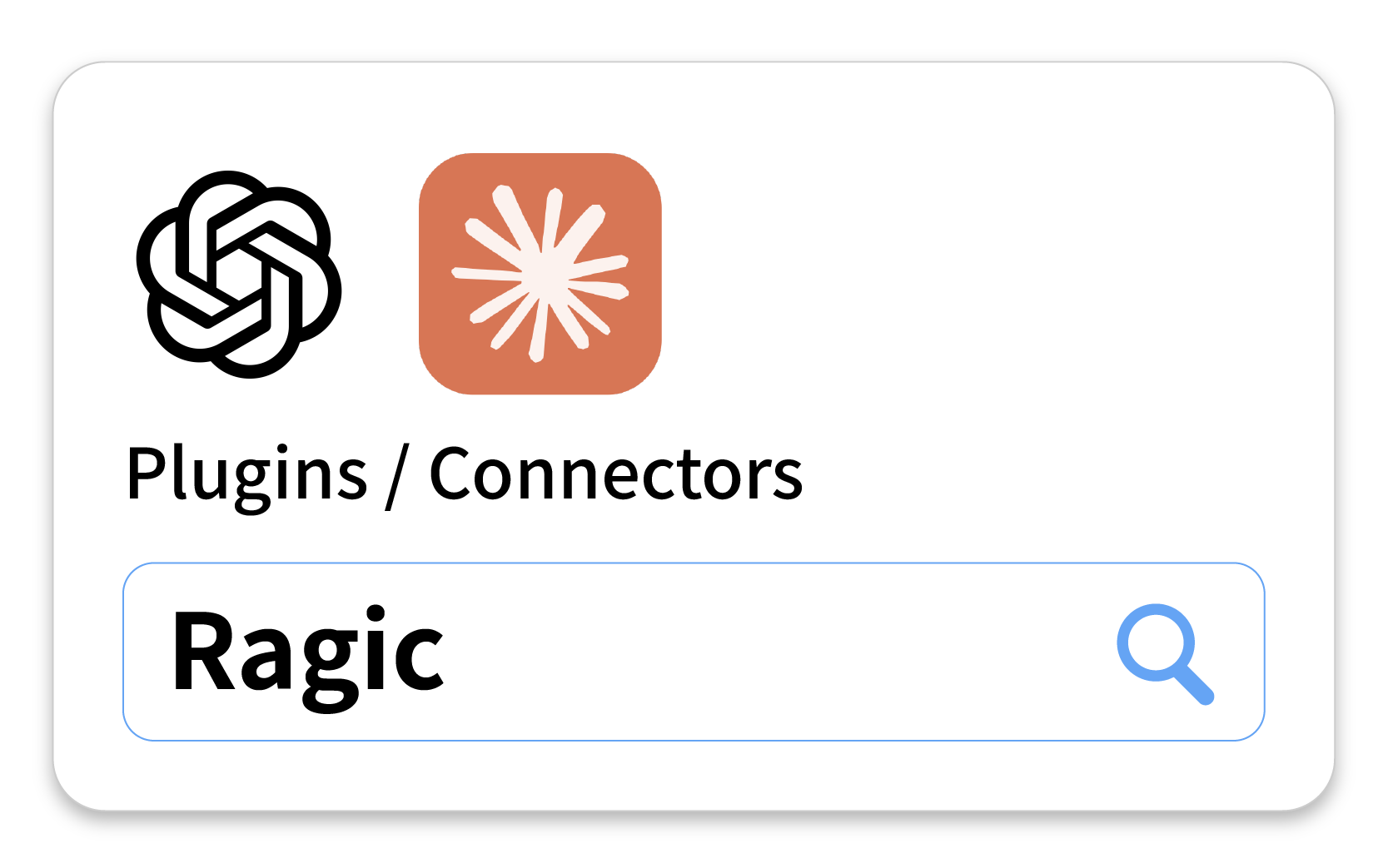
Open Claude or ChatGPT

Add Ragic directly from Claude Connectors or GPT Plugins.
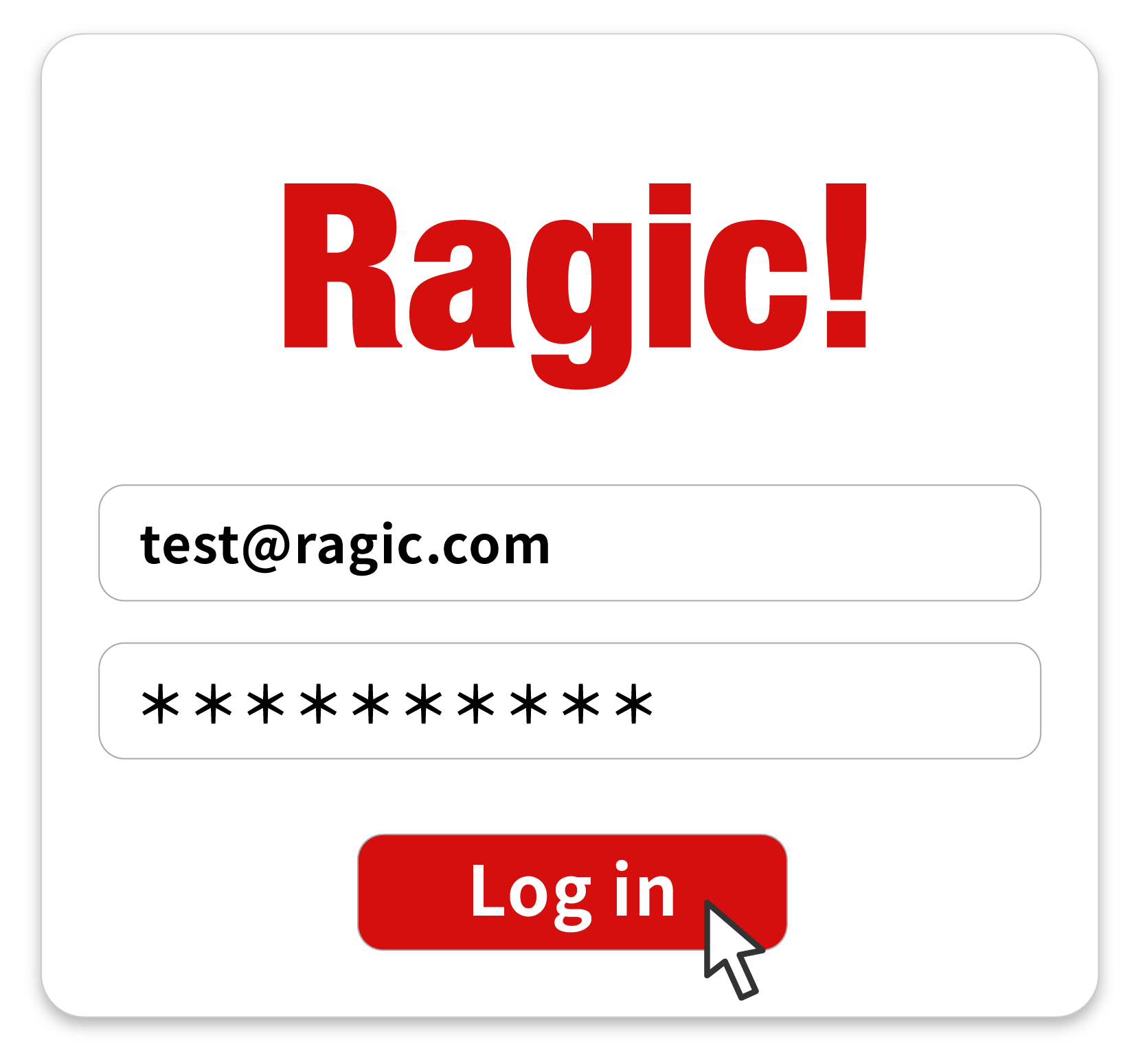
Connect your Ragic account

Sign in and authorize your AI to access Ragic
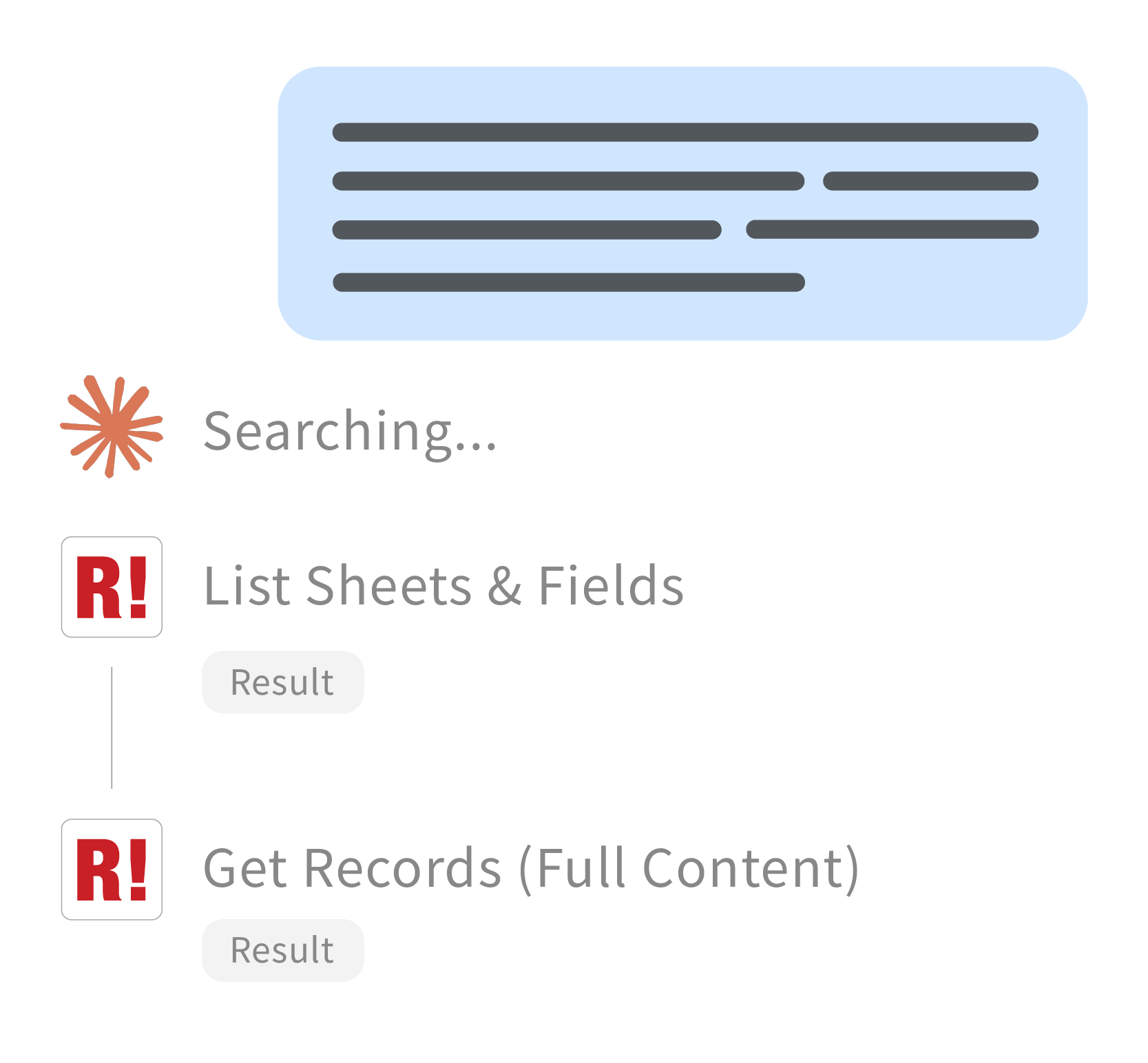
Start talking

Search, read, summarize, brainstorm, plan your next step, with your real business data

Not sure where to start? Copy and paste this into Claude or ChatGPT:

In my CRM, which accounts haven't had any interaction in the past month, and who should I follow up with first?

From my Sales Order, tell me my top 5 customers by revenue this month.

In my Purchasing sheet, are there any quotations with pricing that looks inconsistent or worth double-checking?

Why your Ragic database is already AI-ready

The hard part is already done

Scattered files, inconsistent formats, unclear access rights — that's what stalls most AI projects. You've solved it when you built your Ragic database. Now it just takes a few clicks to connect.

Just ask

A shipping note found with nothing more than 'sometime in March', or your customer base broken down by buying pattern. Every answer grounded in your business database

It has the whole picture

Not just the fields in a sheet — the comments, the email threads, the notes attached to each record. The context that usually lives in someone's head or inbox.

It only sees what you see

Read-only, and bounded by the access rights you've already set in Ragic. It can't create, change, or delete anything — and it can't reach data your own account can't open.

Nothing to host, nothing to code

Add Ragic from Claude or ChatGPT's own connector list, sign in, and you're done. No server to run, no API to build, no developer needed.


FAQ

What is MCP?
MCP (Model Context Protocol) is an open standard that lets AI assistants like Claude and ChatGPT connect to outside tools and data sources. Instead of copying information between a chat window and your software, MCP lets the AI read your real data directly, through a defined, secure connection.
What can I do with this?
Ask questions about your data the way you'd ask a colleague — no filters, no sheet names, no knowing exactly where something lives. Summarize this week's open deals before a meeting, pull up one customer's full record ahead of a call, find a record when you only half-remember the details, or spot which accounts have gone quiet. Since Ragic can be built into anything from a simple contact list to a full ERP, it works across whatever your database is set up for: sales, inventory, purchasing, HR, project tracking.
What data can it access?
Only what your own Ragic account already has permission to see — the same sheets, fields, and records you could open yourself. It authorizes through your Ragic account with OAuth, so every request honors the access rights already configured in your database. It's also strictly read-only: it can't create, update, or delete records, send email, or change any setting in your account.
What do I need to use this?
A Ragic account and an AI tool that supports MCP, such as Claude or ChatGPT. There's nothing to install on your own servers — you generate a connection link from your Ragic account and add it to your AI tool's connector settings. No coding required.

Start Ragic for free

Sign up with Google

Terms of Service | Privacy Policy