Ragic Logo
Log In Sign Up
Social Collaboration Screenshot

Instant Alerts

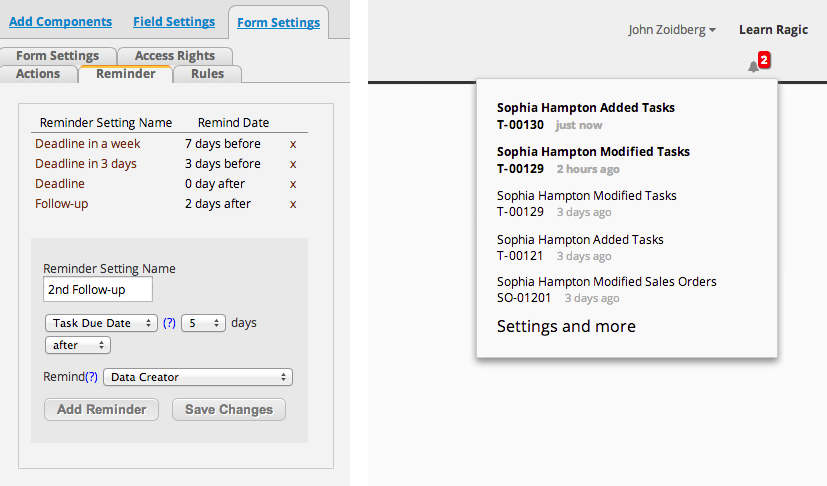
Nobody likes checking the database for updates all the time. Ragic e-mails you updates on entries you created, or you can configure it to your need.

In the e-mail we include a short excerpt of the update so in most cases you don't even need to go on the database!

Workflow Screenshot

Powerful Workflow

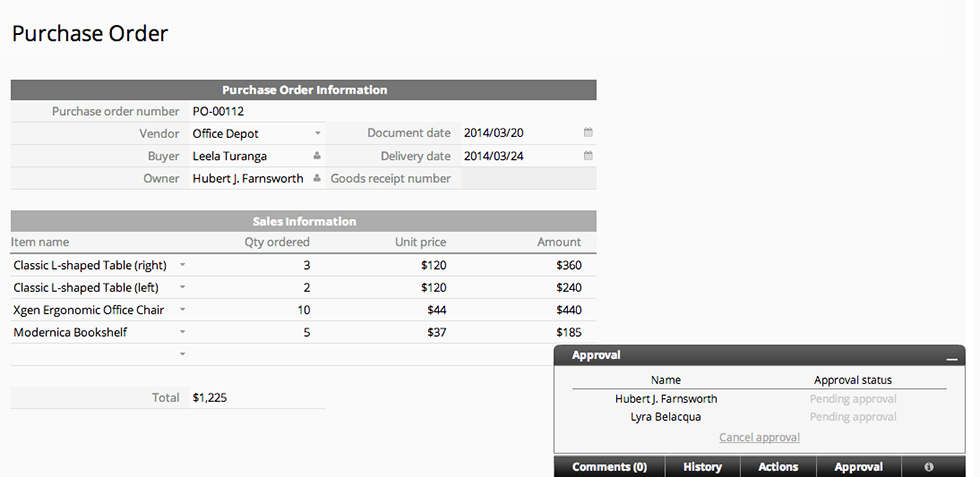
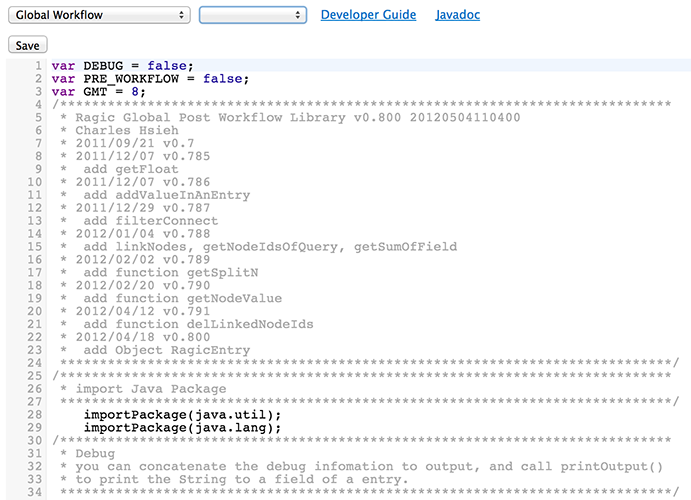
Ragic applications can do so much more than saving records. All forms can trigger custom workflow actions to run approval process, update fields in other forms conditionally, almost anything that you can think of.

Basically any business logic that you would like to execute, but cannot be covered by Ragic Builder's existing functions, can be covered by workflow programs.

Social Collaboration Screenshot

Excel Import / Export

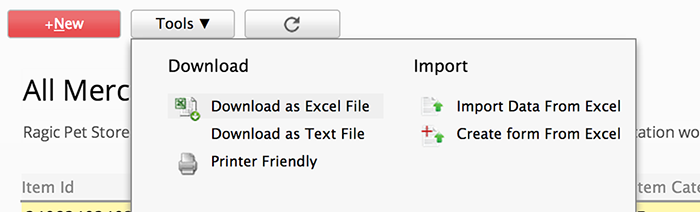
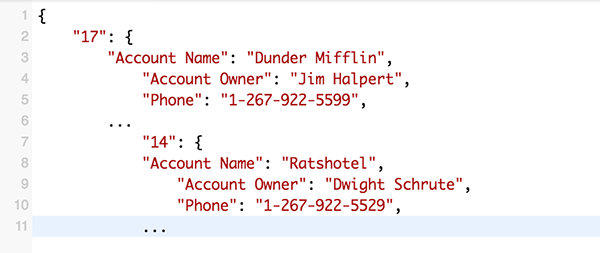
Spreadsheets are a great complementary tool when working with databases. Downloading any data that you're viewing as Excel files only takes one click on Ragic Builder.

Batch update your database by uploading Excel files is also easy. You can upload your file, follow the steps of a simple wizard, and choose whether you want to update existing or create new records.

Spreadsheet Style Builder

Social Collaboration Screenshot

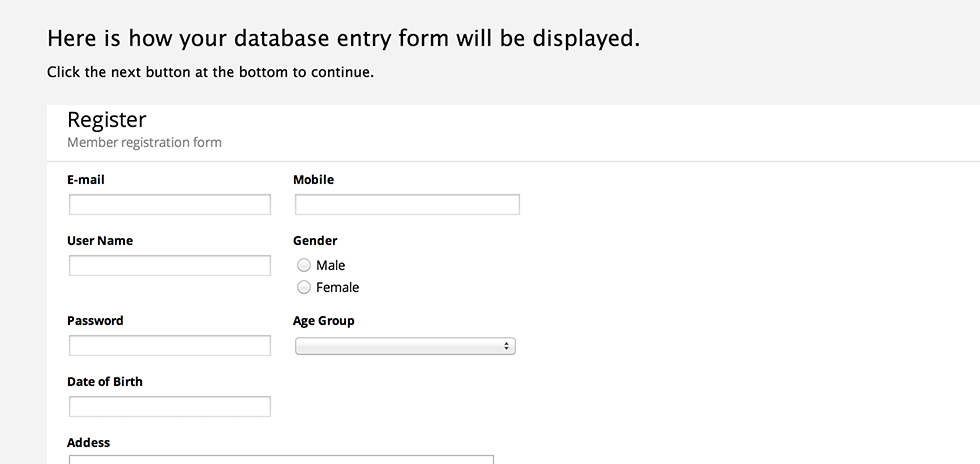
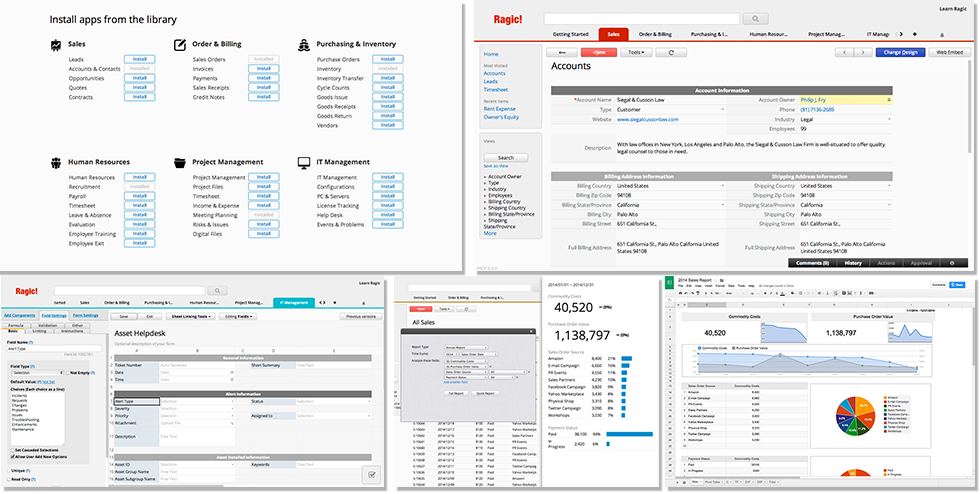
We want to make building DB applications as easy as using spreadsheets. Simply type the field names that you would like to create as in spreadsheet, and the fields are created. It can't get simpler than this.

Creating complex forms with multiple details is incredibly simple with Ragic. Just put field headers horizontally next to each other, and a detail table is created with these fields.

Notice there's no need to create tables or objects or any database trouble. Why? We'll let you in on a secret, Ragic Builder is not based on database tables, that's why we have all this amazing flexibility.

Like spreadsheets, tons of settings can be configured on each fields and forms to make sure the app works the way you want it to.

Social Collaboration Screenshot

Charts, Pivot Tables

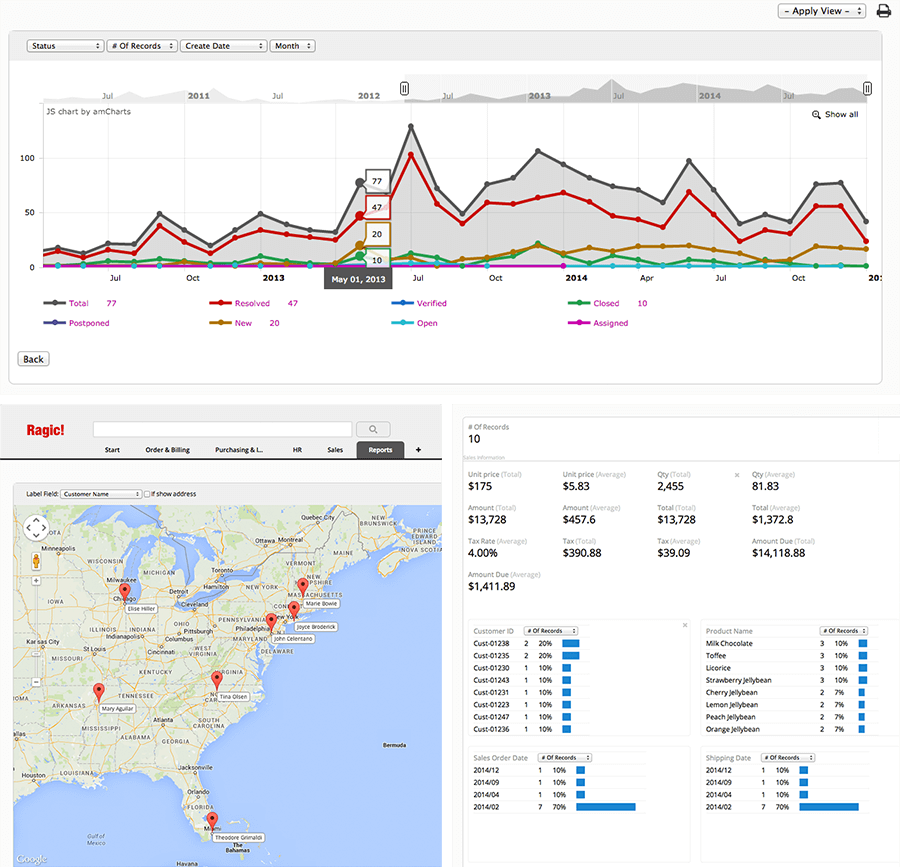
With a powerful online analytical processing engine, charts and pivot table functions are ready as your application is created without any extra work.

The coolest feature in our reports is we know that managers ask "why is this number so low?" or "this number is a little strange...". Now he can simply click on any number, category or even chart segments to see a list of records showing how this number is composed of!

You can look at different charts, rankings, and pivot table reports for each form that you created. You can also create custom reports with your favorite reporting tool and add them to your list of reports.

Flexible Data Links

Social Collaboration Screenshot

Ragic provides many great, simple ways to link your data unmatched by other products.

From the simplest form, fields and entries can be linked to other forms. For example, for a client data form, you can show his quote history by adding a linked detail table to the quotation form.

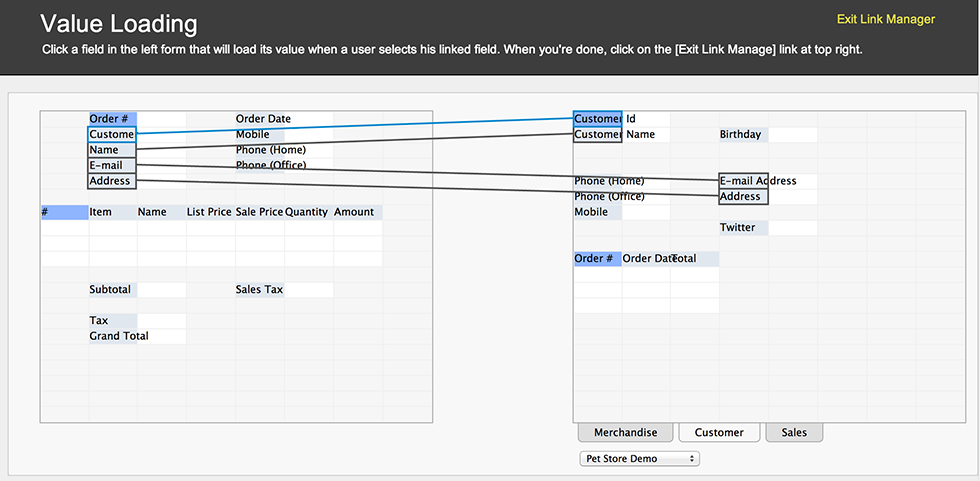
AJAX loading is useful in cases like when you're entering a quotation, choose a customer, and his basic info will be defaulted to related fields. When you choose a product to add, its list price can be loaded to corresponding fields. The grand total and tax can also be calculated right away using formulas.

Best of all, all of these above features does not require a line of program.

Social Collaboration Screenshot

Powerful Query Builder

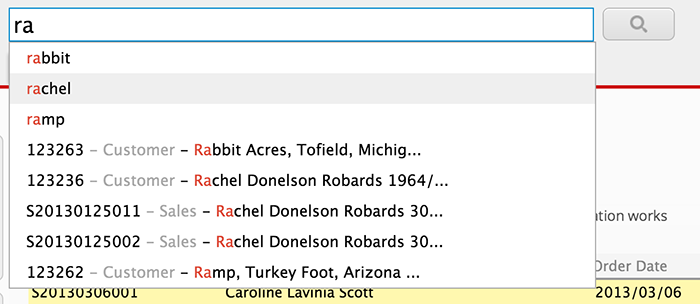
Finding the information that you need quickly is the best part of having a database. Ragic provides you powerful query ability that usually requires coding.

You can freely query all the fields on your form, or even detail fields in master-detail entries. For example, you can query for customer accounts with open support tickets, or quotations over 100K.

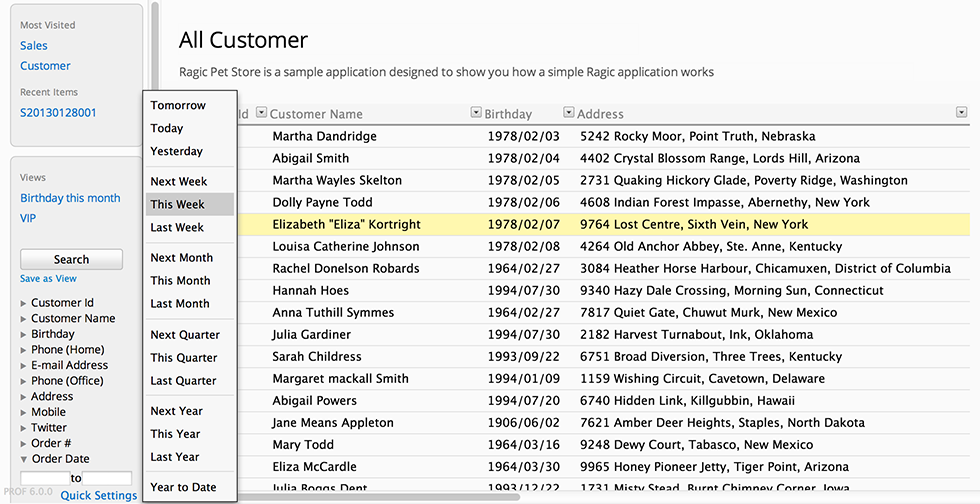
Each individual users can save his frequently used query criteria, so that the next time he uses this form, he can quickly load the same criteria with one click.

Social Collaboration

Enterprise databases usually contain facts: numbers, names and descriptions. By only looking at these facts, we often miss out on a big part of business insight: what actually happened when these figures are entered?

Ragic gives you the ability to add comments with attachment to every entry created. By commenting on relevant items, we can collaborate and keep track of our discussion. A number is no longer just a number, we know how it got there.

Social Collaboration Screenshot

Spreadsheet Style Input

Let's face it, it's always been a pain entering data on web forms. Most people would choose spreadsheet over web forms in a second.

Ragic not only enables you to enter data just like on a spreadsheet, but also brings the convenience of spreadsheet formulas, and auto formatting to our Web UI.

Getting users to use the system is extremely important for system adoption.

Social Collaboration Screenshot

Access Control

Access control can be tricky for enterprises, because there can be so many participating groups and roles. You can control access to your Ragic app by defining groups and assign roles to groups.

By defining groups and roles, you can specify which group of people can read, write, their own entries or all entries.

Social Collaboration Screenshot

Version Tracking

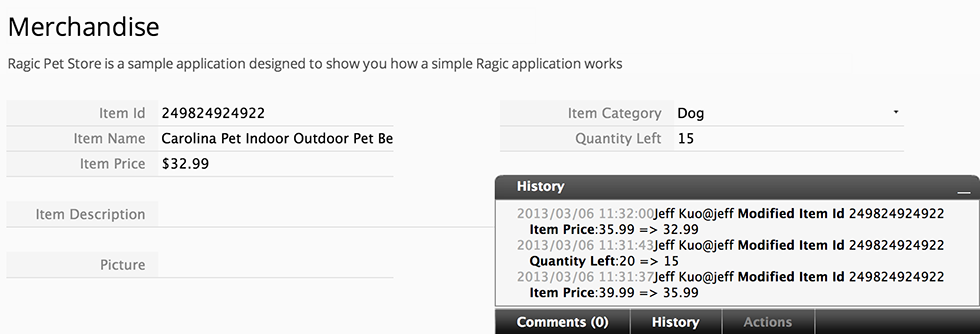
A database is not a fixed, static set of data, but a constant flow of changes and updates. Ragic captures changes to every entry on every form.

You can find a complete revision history for each entry, or you can view all recent changes to a database that you are using.

Social Collaboration Screenshot
© Copyright 2008,2009,2010,2011 Ragic About | Support | Terms | Privacy | Community | Documents | Blog